Physics Engine
A downloadable tool
Download and run in Visual Studio
Keyboard
• Space - Toggle simulation on/off.
• Tab - Toggle the physics control panel visibility.
• Left mouse button
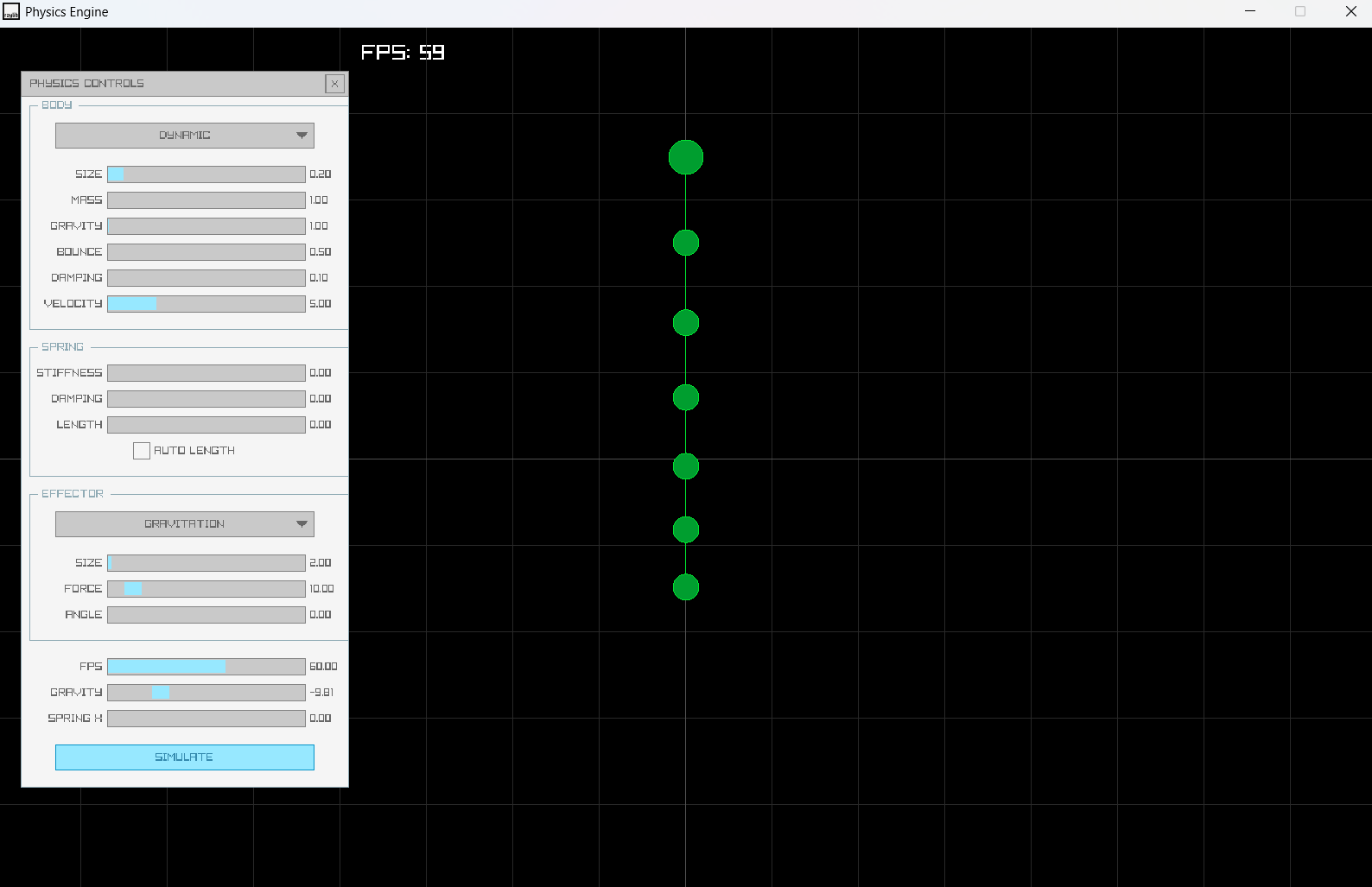
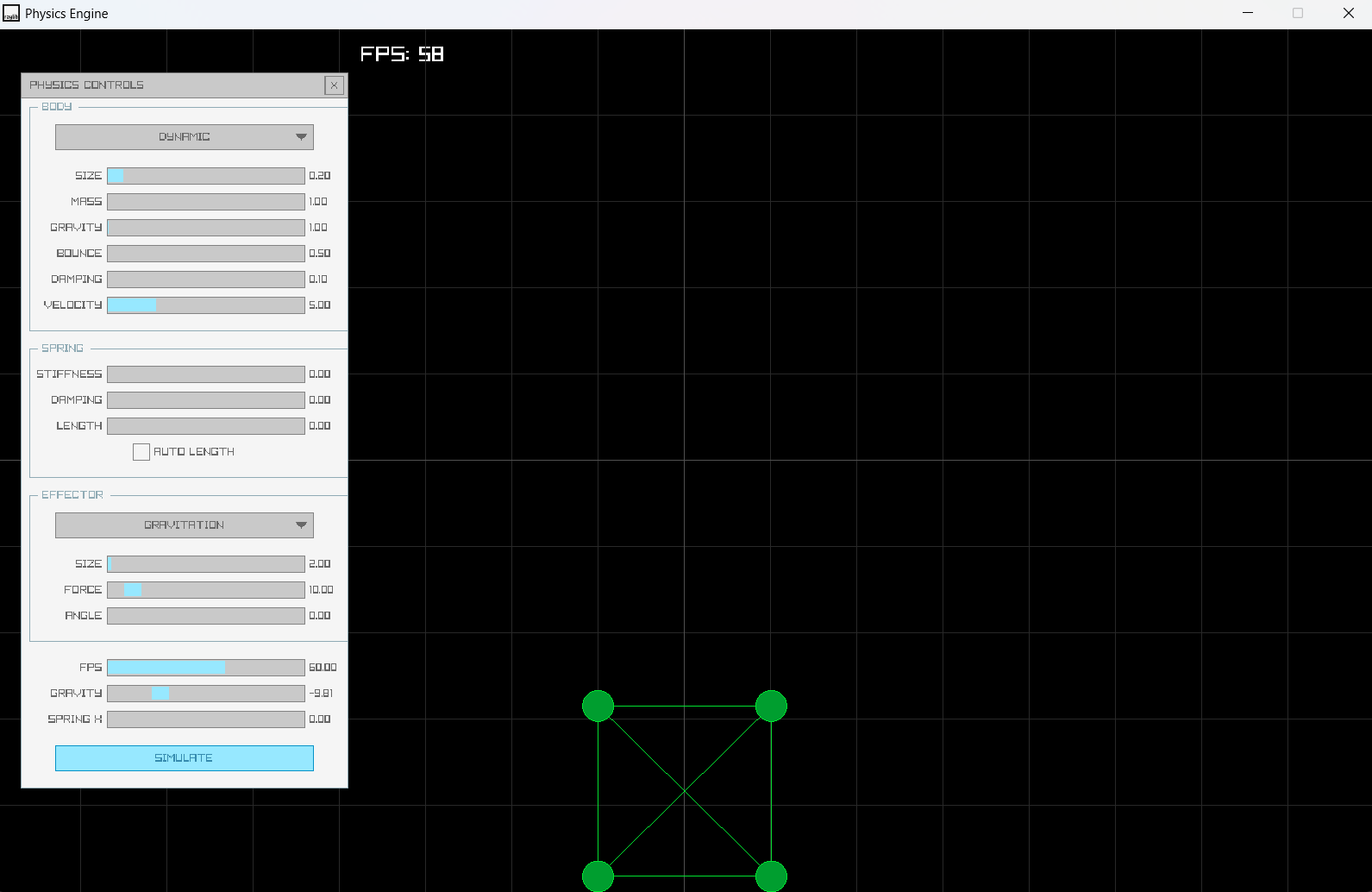
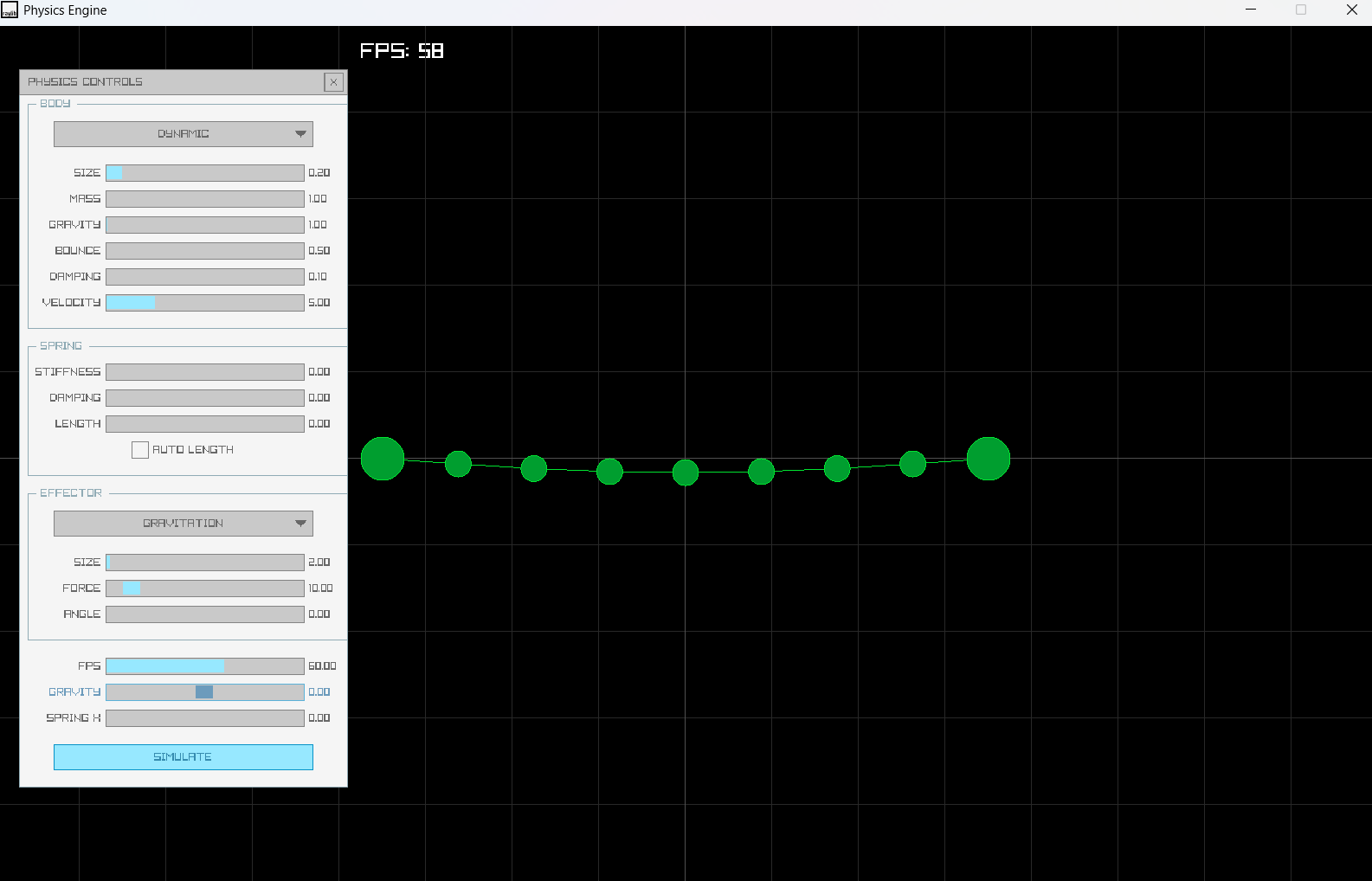
- Single left-click: add a Body at the mouse world position.
- If left Shift is held while clicking: add an Effector instead.
- If Left Control is held and the left button is held down repeatedly add bodies while dragging.
• S - Connect the last two added bodies with a spring
• Right mouse button (held down) - applies a force toward the mouse world position to any body within radius 2.
• Left Shift - used to select adding an Effector instead of a Body.
• Left Control — used to enable continuous placement (hold Ctrl + left mouse to add while dragging).
Download
Leave a comment
Log in with itch.io to leave a comment.